27
How to Create a Robots.txt File: A Practical SEO Guide
Learn how robots.txt works, how to use Allow and Disallow rules, common SEO mistakes, and how to add your XML sitemap.
A robots.txt file gives search-engine crawlers instructions about which parts of a website they may or may not crawl.
It is a small text file, but a wrong rule can accidentally block important pages from search engines. That is why it is important to understand how it works before editing it.
What Is a robots.txt File?
A robots.txt file is normally placed at the root of a website.
Example:
https://example.com/robots.txt
Search-engine crawlers may check this file before crawling pages on the website.
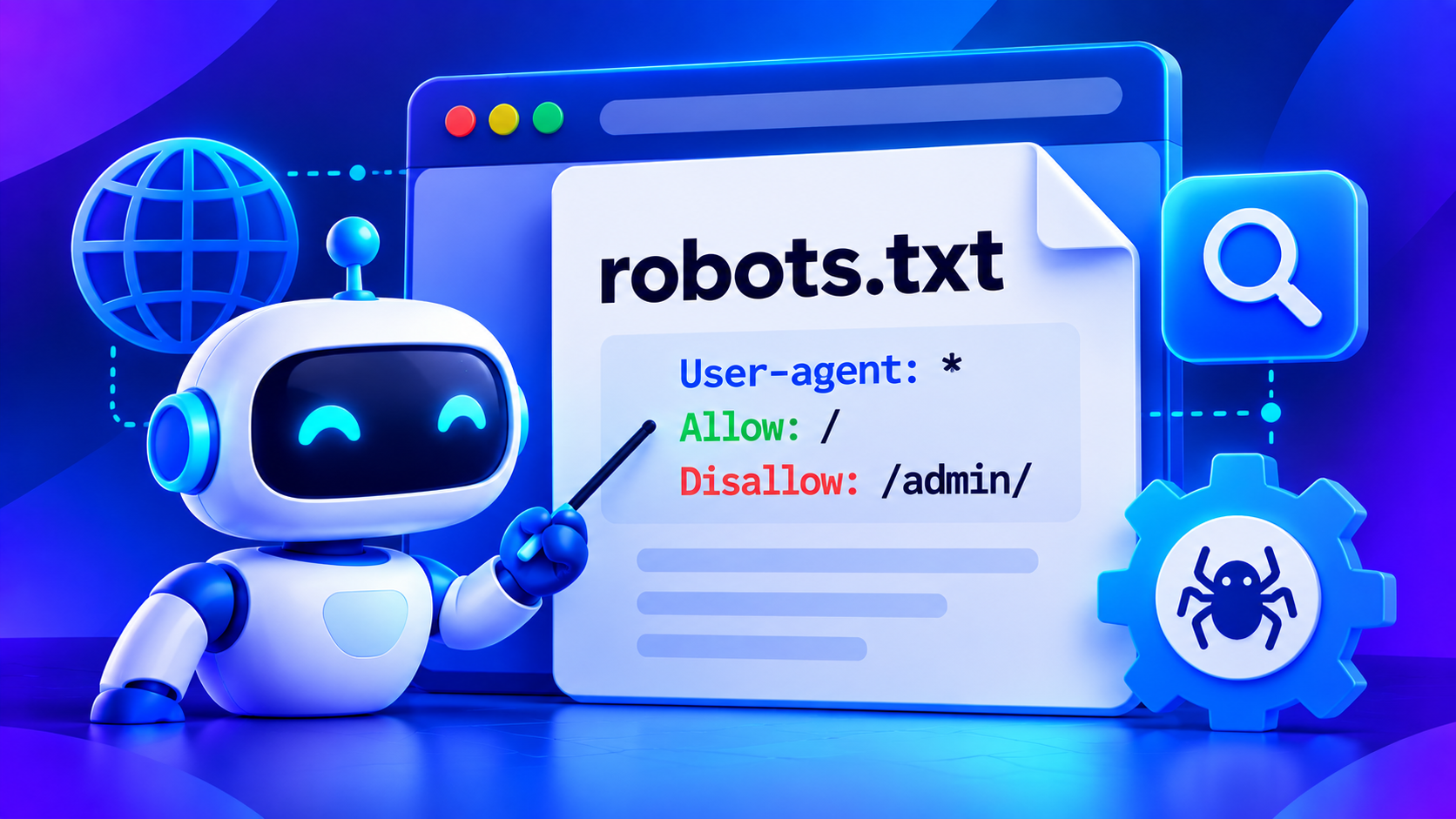
A very simple robots.txt file can look like this:
User-agent: *
Allow: /
This tells compatible crawlers that they are allowed to crawl the website.
What Does User-agent Mean?
The User-agent line tells the rule which crawler it applies to.
For example:
User-agent: *
The * wildcard means the rule applies to all crawlers.
You can also create rules for specific crawlers if needed, but for most websites a general rule is enough.
How to Use Disallow
The Disallow directive tells crawlers not to crawl a specific path.
Example:
User-agent: *
Disallow: /admin/
This asks crawlers not to crawl pages inside:
/admin/
Another example:
Disallow: /private/
This can be useful for internal or unnecessary sections that you do not want crawlers spending time on.
How to Use Allow
The Allow directive can be used to permit crawling of a specific path inside a broader blocked section.
Example:
User-agent: *
Disallow: /files/
Allow: /files/public/
This tells compatible crawlers not to crawl most of /files/, while still allowing access to /files/public/.
For most websites, it is better to keep robots.txt rules simple.
Add Your XML Sitemap
It is a good idea to include your sitemap URL in robots.txt.
Example:
Sitemap: https://example.com/sitemap.xml
A simple robots.txt file can therefore look like:
User-agent: *
Allow: /

Sitemap: https://example.com/sitemap.xml
For Toolora, your sitemap line can be:
Sitemap: https://cimatn.xyz/sitemap.xml
robots.txt Is Not a Security Tool
This is very important.
A robots.txt rule does not make a page private.
For example:
Disallow: /private/
does not stop someone from manually opening:
https://example.com/private/
If a page contains sensitive information, protect it using proper authentication, permissions, or server-side security.
Do not rely on robots.txt to protect:
- admin dashboards
- passwords
- private documents
- customer information
- confidential files
Can robots.txt Remove a Page From Google?
Not always.
robots.txt mainly controls crawling.
It does not always guarantee that a URL will completely disappear from search results.
If your goal is to prevent indexing, you may need a proper indexing directive, authentication, or removal of the page depending on the situation.
Common robots.txt Mistakes
Blocking the Entire Website
This rule blocks crawling for all compatible crawlers:
User-agent: *
Disallow: /
This may be useful on a development site, but it is usually a serious mistake on a live website.
Before launching a website, always make sure this rule is removed unless you intentionally want the site blocked.
Blocking Important CSS or JavaScript
Search engines may need access to CSS and JavaScript files to understand how a page renders.
Avoid blocking important frontend resources unless you have a clear reason.
Using Incorrect Paths
Be careful when entering paths.
For example:
Disallow: /admin
and:
Disallow: /admin/
may behave differently depending on the URL structure.
Always test your actual website paths.
Forgetting the Sitemap
A sitemap line is not mandatory, but adding it helps crawlers discover your sitemap easily.
Example:
Sitemap: https://cimatn.xyz/sitemap.xml
Example robots.txt File
A typical file might look like:
User-agent: *
Allow: /

Disallow: /admin/
Disallow: /login/

Sitemap: https://example.com/sitemap.xml
Do not copy blocked paths unless they actually apply to your website.
How to Check Your robots.txt File
Open this URL in your browser:
https://yourdomain.com/robots.txt
Then check that:
- the file loads correctly
- public pages are not accidentally blocked
- your sitemap URL is correct
- development restrictions have been removed
- important resources remain crawlable
You can also use Toolora's Robots.txt Generator to create a starting configuration.
robots.txt and SEO
robots.txt can help search engines avoid crawling unnecessary areas.
However, it does not directly improve rankings by itself.
Good technical SEO also depends on:
- useful original content
- internal linking
- correct canonical URLs
- valid HTTP status codes
- mobile-friendly design
- fast loading
- HTTPS
- XML sitemaps
- clear website structure
robots.txt vs XML Sitemap
These two files serve different purposes.
robots.txt
robots.txt gives crawlers instructions about where they may crawl.
XML Sitemap
An XML sitemap helps search engines discover important URLs on your website.
They often work together, which is why websites commonly include their sitemap URL inside robots.txt.
Frequently Asked Questions
Do I Need a robots.txt File?
Not every website needs complicated rules, but having a simple valid robots.txt file is useful.
Where Should robots.txt Be Located?
It should normally be located at:
https://example.com/robots.txt
Can I Protect My Admin Area With robots.txt?
No.
You may discourage crawlers from visiting it, but the admin area must still be protected with authentication and proper security.
Should I Block Every Page I Do Not Want in Google?
Not necessarily.
Blocking crawling and preventing indexing are different things. Use the correct method for your goal.
Can I Include My Sitemap in robots.txt?
Yes.
For example:
Sitemap: https://cimatn.xyz/sitemap.xml
Final Thoughts
A robots.txt file should be simple, intentional, and tested.
For many websites, a safe starting point is:
User-agent: *
Allow: /

Sitemap: https://example.com/sitemap.xml
Then add restrictions only when there is a clear reason.
Toolora's Robots.txt Generator can help you create a clean starting file, but always review the result before publishing it.
Contact
Missing something?
Feel free to request missing tools or give some feedback using our contact form.
Contact Us